Give your product a
✦ Do this for mebutton.
Users hand over the task they came to do. An autopilot your team created completes it right in front of them, in their own session. Anything sensitive, they approve or type themselves.
35 seconds. A real open-source app. Nothing staged.






That story, for real
Watch it run on real open-source apps:


How it works
Three steps. One new button.
Map a workflow. Let it practice until it passes. Then let your users hand it the task.
Point it at a workflow
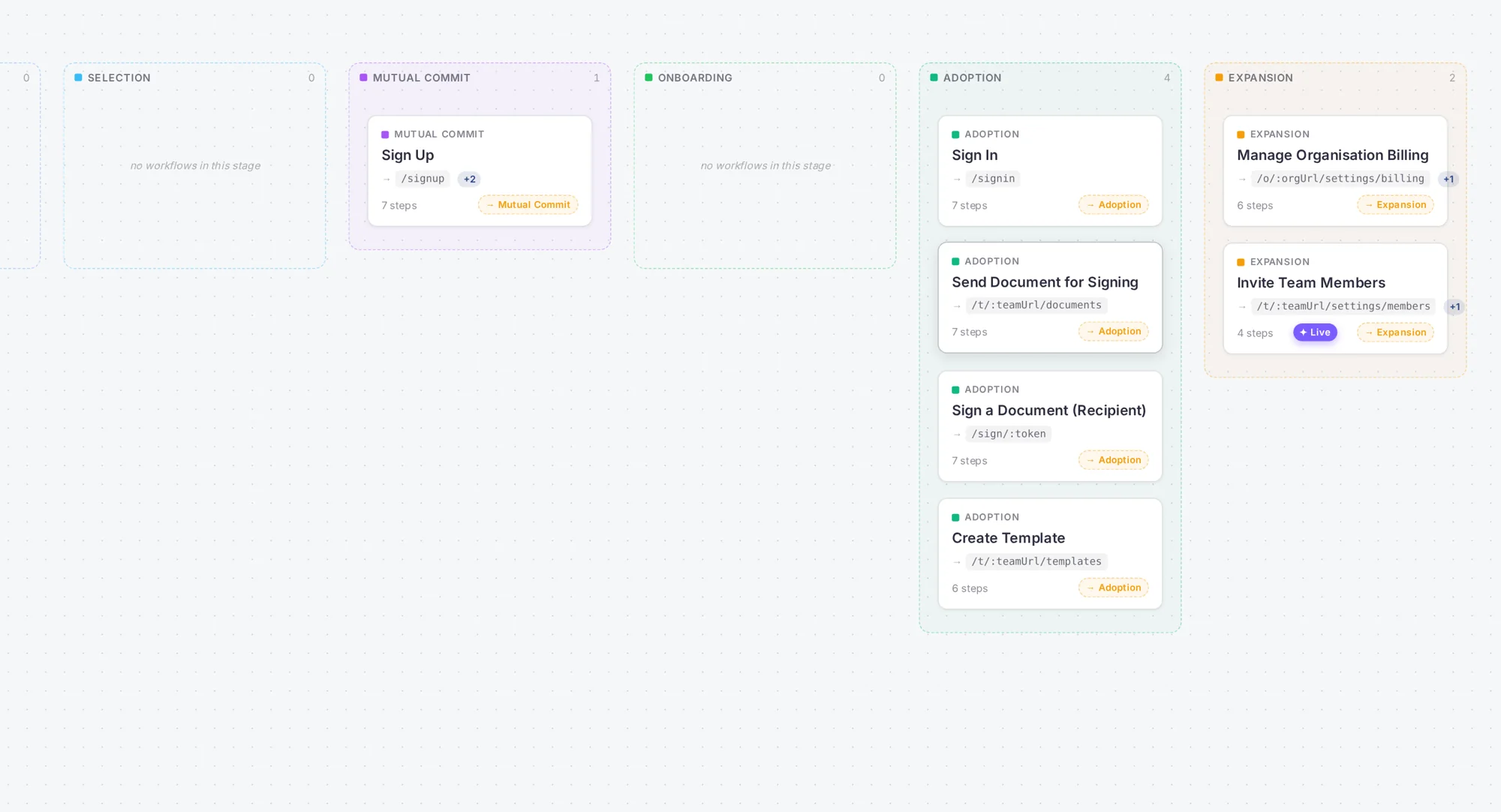
Your engineer runs one command in your repo. It maps your product’s workflows. You pick one.
It practices until it passes
Synthetic users try the workflow over and over. Different patience, different skill levels. Every failure becomes a fix. It cannot go live until it passes on every build.
Your users hand tasks over
The button appears on that workflow. The user hands over. They watch every step, answer the odd question, and approve anything sensitive. Then it is done, and it is counted.
We call it a workflow autopilot.
Your users will call it "the do-it-for-me button."
Control
It drives. Your user holds the keys.
"An AI clicks Pay?!" No. Your user does. The autopilot works on rails you own, in the open, one visible step at a time.
- Their session, their keysIt runs in the user's own session. No passwords or logins ever pass through us.
- It cannot type secretsPayment, password, and code fields are off limits. It points. The user types.
- Allow, every timePay, delete, send, sign: the user clicks Allow first. Every time.
- One touch pauses itThe moment the user touches anything, it pauses. Stop is always on screen.
- Tested before every releaseNothing goes live without passing its tests, run by synthetic users, on every build.
The payoff
More users finish. You can count it.
A user hands a task over and the autopilot finishes it. That is one completed handover. We count only finished tasks. Here is what changes.
The task gets done on the spot, instead of being dropped at the hard step.
Share of users reaching each step. Illustrative shape; your own numbers appear on Impact after the first week live.
Users who finish come back. A hard first week stops costing you the customer.
Each handover is logged and checked. It counts only when the task really finished. That is also all you pay for.
The "how do I…" tickets stop coming. The task was done for them.
Evaluations
Autopilots are evaluated by synthetic users.
Impatient, careless, expert, brand new. They try your product the way real people do. An autopilot cannot go live until it passes with them.
 Awarenesspixel · patience 1 · tech 2
 Educationsage · patience 5 · tech 5
 Selectionmarcus · skeptic · reads everything
 Mutual Commitbyte · keyboard-only · fast
 Onboardingnora · brand new · easily lost
 Adoptionjuno · busy · abandons quickly
Before you ship
No catch. Just answers.
- Free scan, no card
- 14-day trial
- One PR to ship
- You stay in control
A small card on the workflow: "I can do this for you while you watch." Nothing else changes in your product. If they ignore it, nothing happens.
No. It is a computer-use agent your product owns. It never chats. It acts on screen, one visible step at a time, and only speaks to ask a short question.
It cannot type them. It points at the field; your user types. Consequential clicks wait for an explicit Allow.
It cannot go live without passing its tests, run by synthetic users, on every release. A red build pulls the offer automatically.
Two meters, plain words: simulation runs while you build and certify, completed handovers when it finishes a task for a real user. A handover that stops or fails costs nothing.
One command in the repo, one pull request, about an afternoon. Certification then runs in your CI on every PR.
Your product's next button:
"Do this for me."
One command. One pull request. Every release re-tested.
$ npx @holostaff/cliScan runs locally. The SDK is one script tag. Certification runs in your CI on every PR. The CLI is Apache-2.0 on GitHub. Not the engineer? Send this page to yours.
Free to start · 14-day trial · Trial usage free on both meters